11/27/2025
Different "digital nations" with separate banking ledgers that don't talk to each other.
The first time you try to withdraw cryptocurrency from an exchange to your own private wallet, you will inevitably hit a confusing roadblock: the "Select Network" drop-down menu.
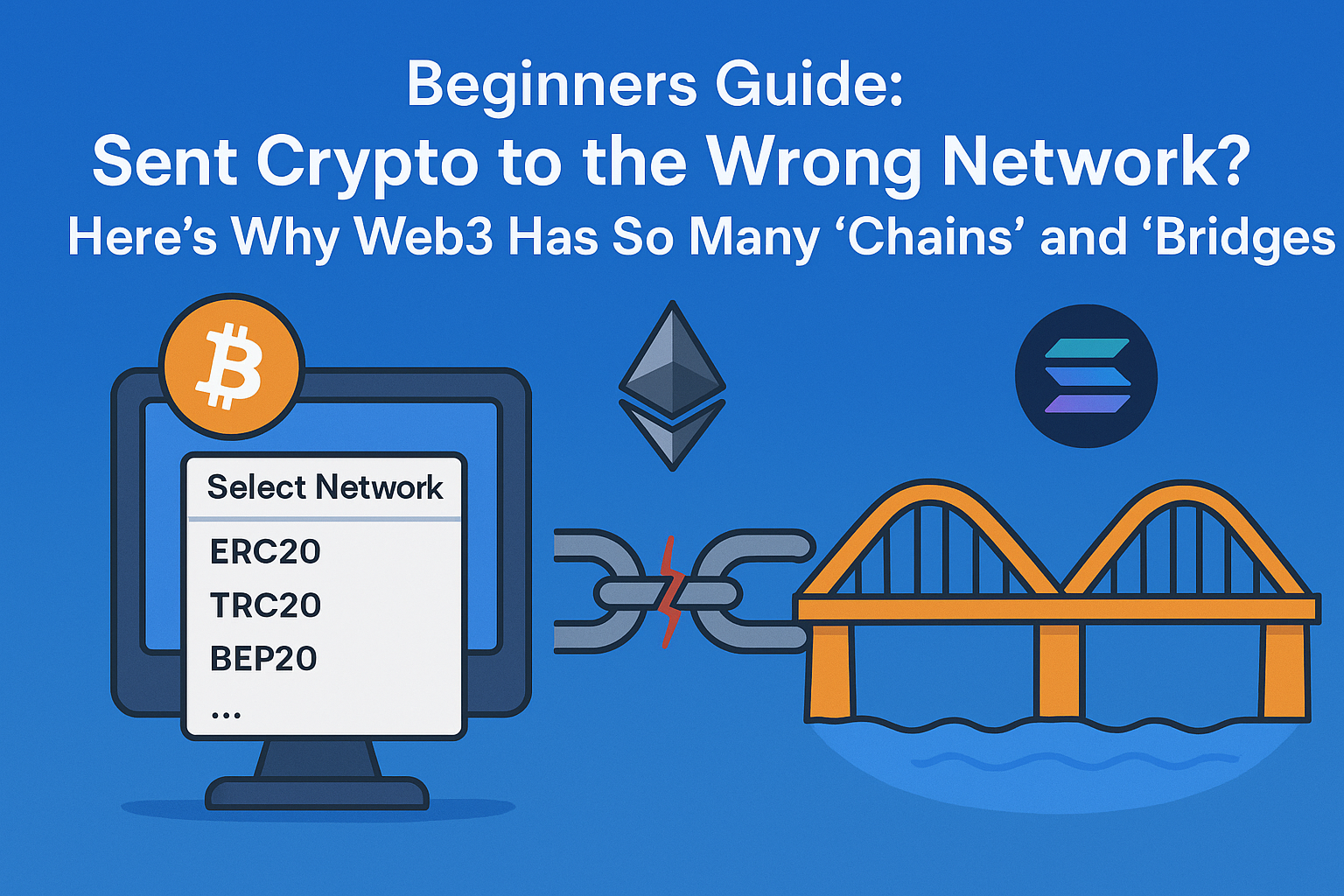
You’ll see a list of cryptic names: ERC20, TRC20, BEP20, Solana, Polygon, Optimism...
You might think: "I'm just trying to withdraw USDT. Why are there so many different paths? If I click the wrong one, will my money vanish into thin air?"
Today, we’re ditching the technical jargon to explain the "Multichain Universe" and "Cross-Chain Bridges" in plain English.
1. Why Isn't There Just "One Blockchain" for Everything?
Imagine if the entire world relied on just one single bank branch for every transaction. Everyone globally has to line up at the same building to deposit money, withdraw cash, or send a payment. What would happen?
- Massive Traffic Jams: You’d be waiting in line for weeks.
- Expensive "Bribes": To cut the line, people would pay huge fees to the bank tellers.
- Limited Features: That one bank might only be good at storing gold, but terrible at handling complex business contracts.
In the Web3 world, every public blockchain (Public Chain) is like an independent "digital nation" or a separate "banking system." Because they were built with different goals, they have different strengths:
- Bitcoin (BTC): Think of it as a Swiss Bank Vault. It is the oldest, most secure, and perfect for storing large amounts of value. But it's slow, sending money is expensive, and it doesn't do much besides store and send money.
- Ethereum (ETH): Think of it as Wall Street or downtown Manhattan. It’s bustling. You can do anything here—sign smart contracts, trade artworks (NFTs), build businesses. But because it's so crowded, doing business here (paying "Gas fees") is very expensive.
- Solana, BSC, and newer chains: Think of these as modern High-Tech Business Parks built outside the city. They were designed specifically to solve the congestion problem. The roads are wide, transactions are lightning-fast, and fees are incredibly cheap (often just pennies), making them great for gaming or frequent trading.
The Conclusion: Because no single chain can currently be the fastest, most secure, AND cheapest all at once, we have different chains for different needs.
2. Why Do I Have to "Select a Network" When Transferring? (The Danger Zone)
This is the most common trap for beginners.
The Core Concept: Separate Ledgers
Even though the token in your wallet might be called "USDT" on different networks, they are effectively completely different assets.
- The Analogy: Think of PayPal versus Venmo (or two different national currencies like USD and Euro). Even though the screen shows a "dollar" sign, you cannot directly send money from your PayPal balance by entering someone's Venmo username. PayPal's ledger has no record of Venmo's users.
In crypto:
- The Ethereum blockchain has its own independent ledger.
- The Solana blockchain has its own independent ledger.
What Happens If You Choose Wrong?
Let's say you want to send 100 USDT to a friend.
- Your friend gives you an Ethereum (ETH) address (this is like their bank account number).
- When sending, you try to save money on fees, so you select the Tron (TRC20) network path to send it.
The Result: The "miners" on the Tron network will take your package and try to deliver it to that address. But when they arrive in the Tron ledger, that "Ethereum-style" address doesn't exist.
Your money is effectively sent to a void in the wrong parallel universe. In most cases, it is impossible to recover.
🚨 The Golden Rule of Crypto Transfers: The network you send FROM must match the network the wallet is receiving ON. If you are sending via the Ethereum network, the destination address must be an Ethereum address.
⏳ Cheat Sheet: Common Chains and Their Token Symbols
When you are looking at wallets or exchanges, you will often see shorthand names for these networks. Here is a quick guide to the major players you will encounter.
The Big Two (The Foundation)
- Bitcoin Network: Usually listed simply as BTC.
- Ethereum Network: Often listed as ERC20 (this refers to the standard for tokens built on Ethereum).
The Fast Alternatives (Layer 1s) These are separate, independent blockchains built for speed and lower fees.
- BNB Smart Chain: Listed as BSC or BEP20.
- Solana: Listed as SOL.
- Tron: Listed as TRC20.
- Avalanche: Listed as AVAX C-Chain.
The Ethereum Helpers (Layer 2s) These networks sit "on top" of Ethereum to make it faster and cheaper, but they still require you to select their specific network.
- Arbitrum One: Listed as ARB.
- Optimism: Listed as OP.
- Polygon: Listed as MATIC or POL.
3. What Is a "Cross-Chain Bridge"?
So, what if you have USDT on Ethereum, but you really need to use an app that is only on Solana? You can't directly send it. Remember, blockchains are like isolated islands.
This is where you need a Cross-Chain Bridge.
How Does a Bridge Work? (Simplified)
Bridges don't magically teleport your Bitcoin onto Ethereum. Most use a mechanism called "Lock & Mint."
Imagine you want to bridge 1 BTC from the Bitcoin network to the Ethereum network:
- The Lock (Deposit): You go to the bridge "entrance" on the Bitcoin side. You hand your 1 BTC to a secure vault (a smart contract). Your actual Bitcoin is now locked up tight.
- The Signal: The vault manager sends a secure message to the bridge side on Ethereum: "Hey, this user just locked up 1 BTC here. You are cleared to issue them a voucher."
- The Mint (Receive): On the Ethereum side, the bridge prints (mints) a brand new token equivalent to that BTC (often called "Wrapped Bitcoin" or WBTC) and deposits it into your Ethereum wallet.
Basically: The asset you use on the new chain is a "claim ticket" that proves you have the real asset locked up back on the original chain.
🛠️ Recommended Bridge Tools and How to Use Them
If you need to move assets between chains, here are some reputable tools and a general guide on how they work.
Disclaimer: Bridges are complex targets for hackers. Always double-check URLs and ensure you are using official, trusted applications.
Popular & Trusted Bridges
- Portal Bridge (formerly Wormhole): Excellent for moving between vastly different chains like Ethereum and Solana.
- Stargate Finance: Great for moving "stablecoins" (like USDT or USDC) between Ethereum-compatible networks (like Arbitrum, Optimism, BSC) very efficiently.
- Orbiter Finance: Very popular specifically for moving quickly and cheaply between Ethereum Layer 2 networks (e.g., moving from zkSync to Arbitrum).
How to Use a Bridge (4 Simple Steps)
While every bridge interface looks slightly different, the process is almost always the same:
- Connect Wallet: Go to the bridge website and connect your crypto wallet (like MetaMask).
- Select Route: Look for the "From" and "To" sections.
- From: Select the network where your money is currently sitting (e.g., Ethereum).
- To: Select the network where you want the money to go (e.g., Solana).
- Enter Amount: Type in how much you want to move. The bridge will calculate the estimated fees and how much you will receive on the other side.
- Approve and Bridge: You will usually have to click "Approve" first to give the bridge permission to touch your tokens, then click "Bridge" or "Swap" to initiate the actual transfer. Wait a few minutes (time varies by network), and your funds will arrive on the new chain!
Summary
- Different Chains = Different "digital nations" with separate banking ledgers that don't talk to each other.
- Selecting a Network = You must ensure the sender and receiver are tuned to the same channel, otherwise the package gets lost.
- Cross-Chain Bridges = The exchange service that allows you to move value between these isolated islands, usually by locking up assets on one side and issuing a voucher on the other.